We connect your system to Revit
Two-way sync between your databases and Revit
00
problem
Revit schedules are powerful, but it can be hard to extract the data in a way that's not a static excel or CSV file.
solution
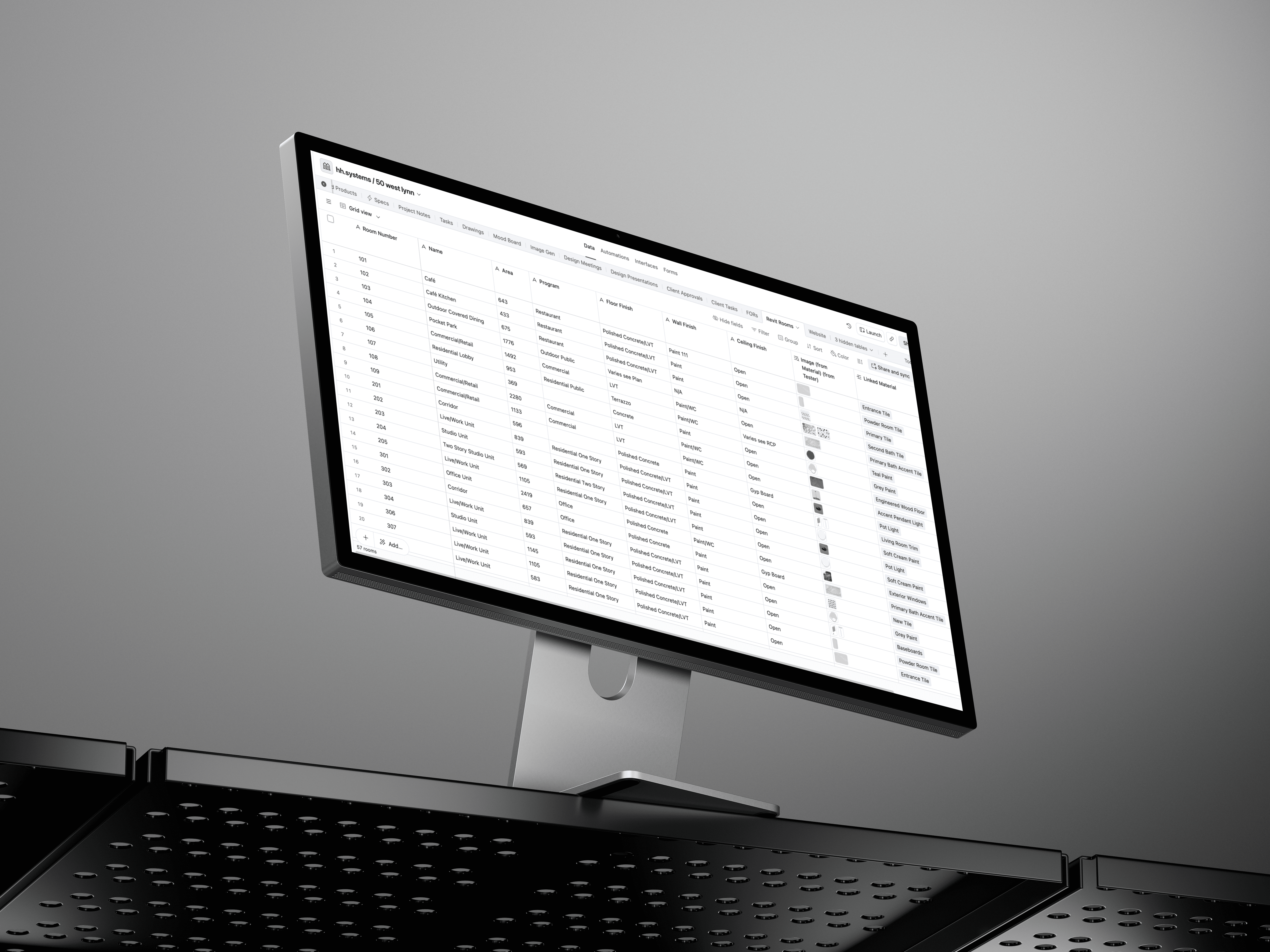
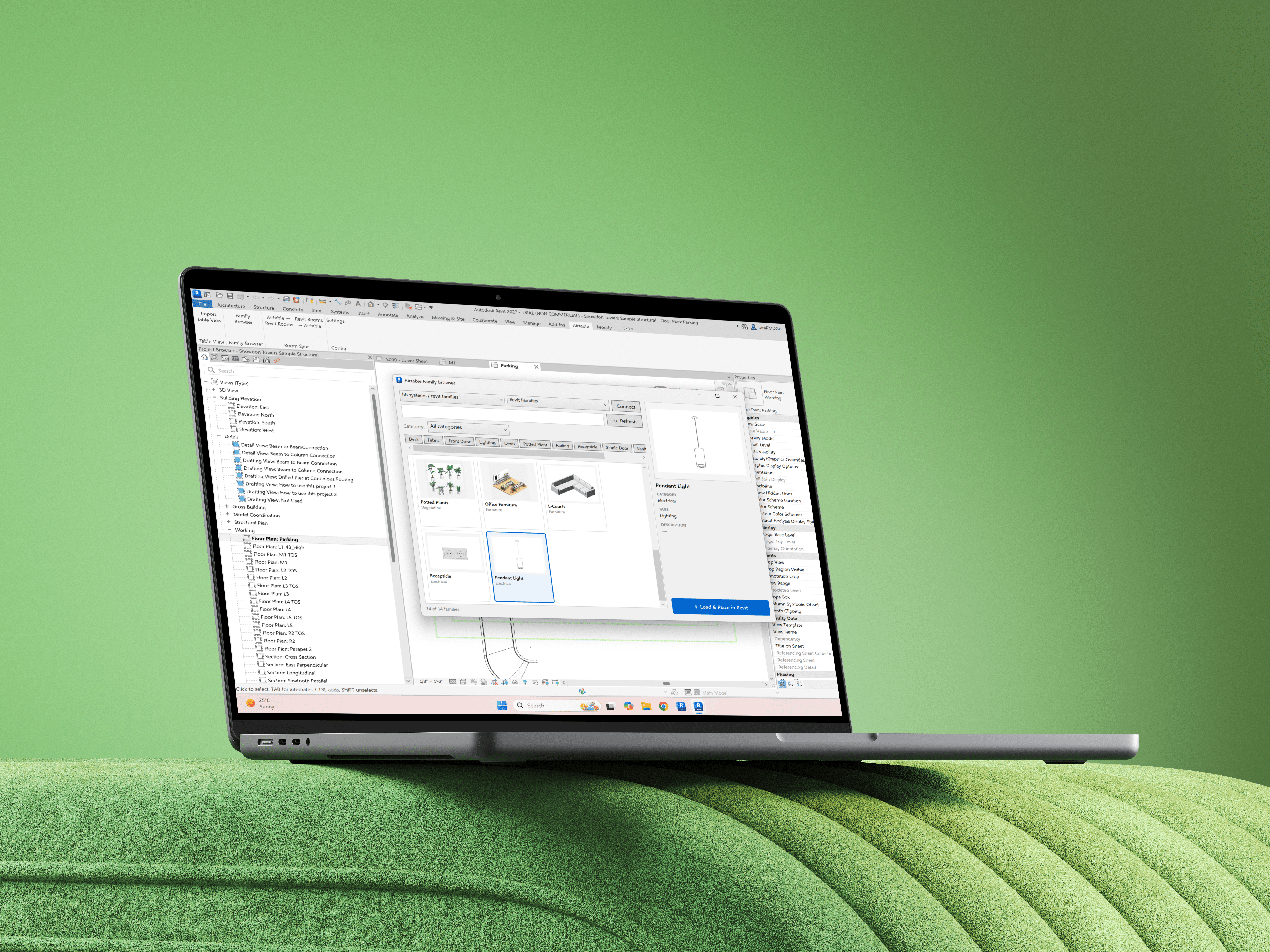
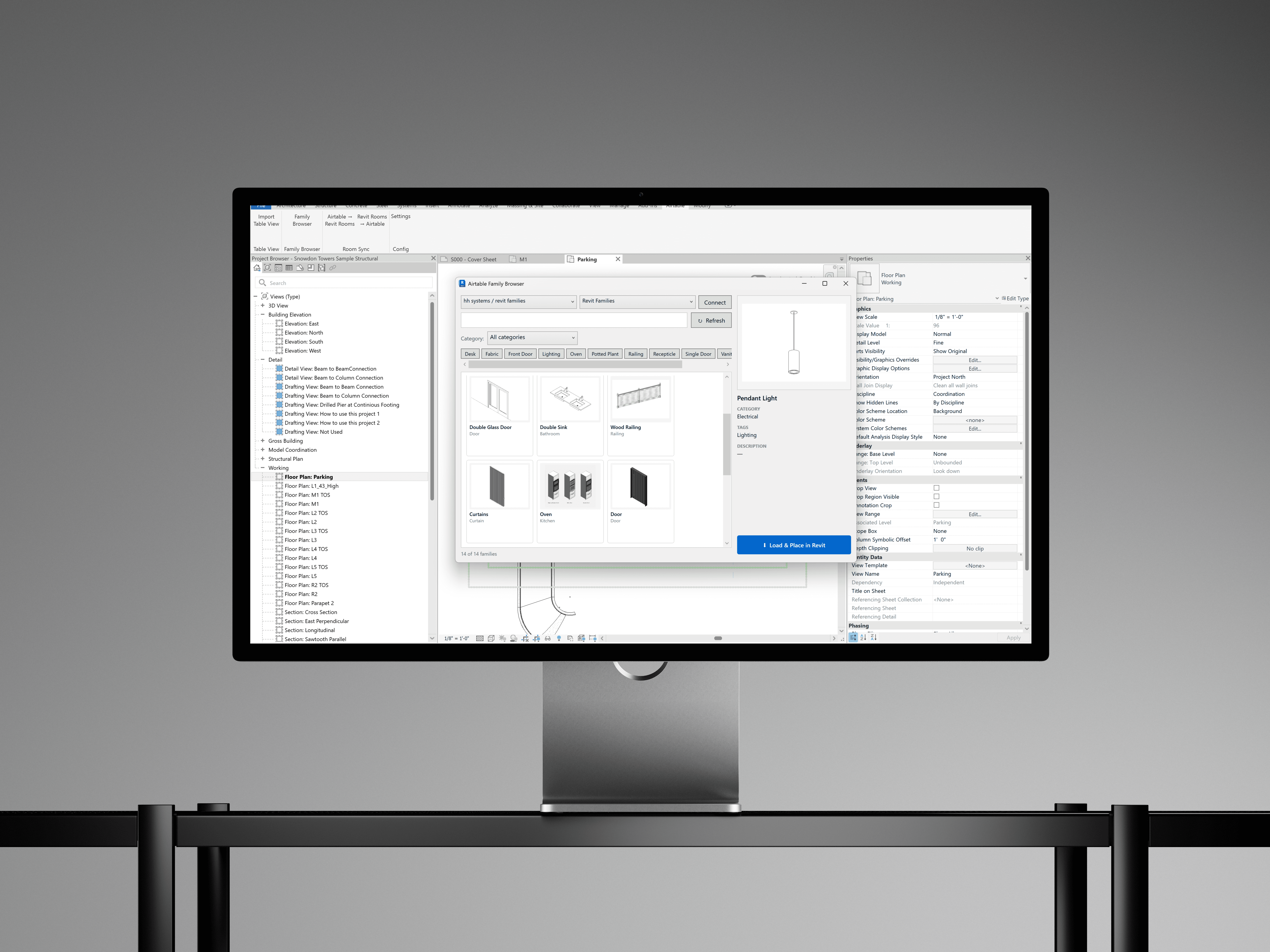
We connect your database operating system to Revit (two-way sync) so you can edit your Room schedule, then sync it back to
Your Revit model already holds everything. It just won't talk to anyone.
Every door, every room, every wall type, every material is all parametric data sitting inside your model. But the second someone asks "what's the status of these specs?" or "has the client signed off on these finishes?", that data is trapped. So you export to a spreadsheet, it goes stale by lunch, and you do it again next week.
Connect Revit to your operating system and the model stops being an island.
Schedules can push straight out of Revit into your operating system and then back from your operating system to Revit — door schedules, room data, finish schedules.
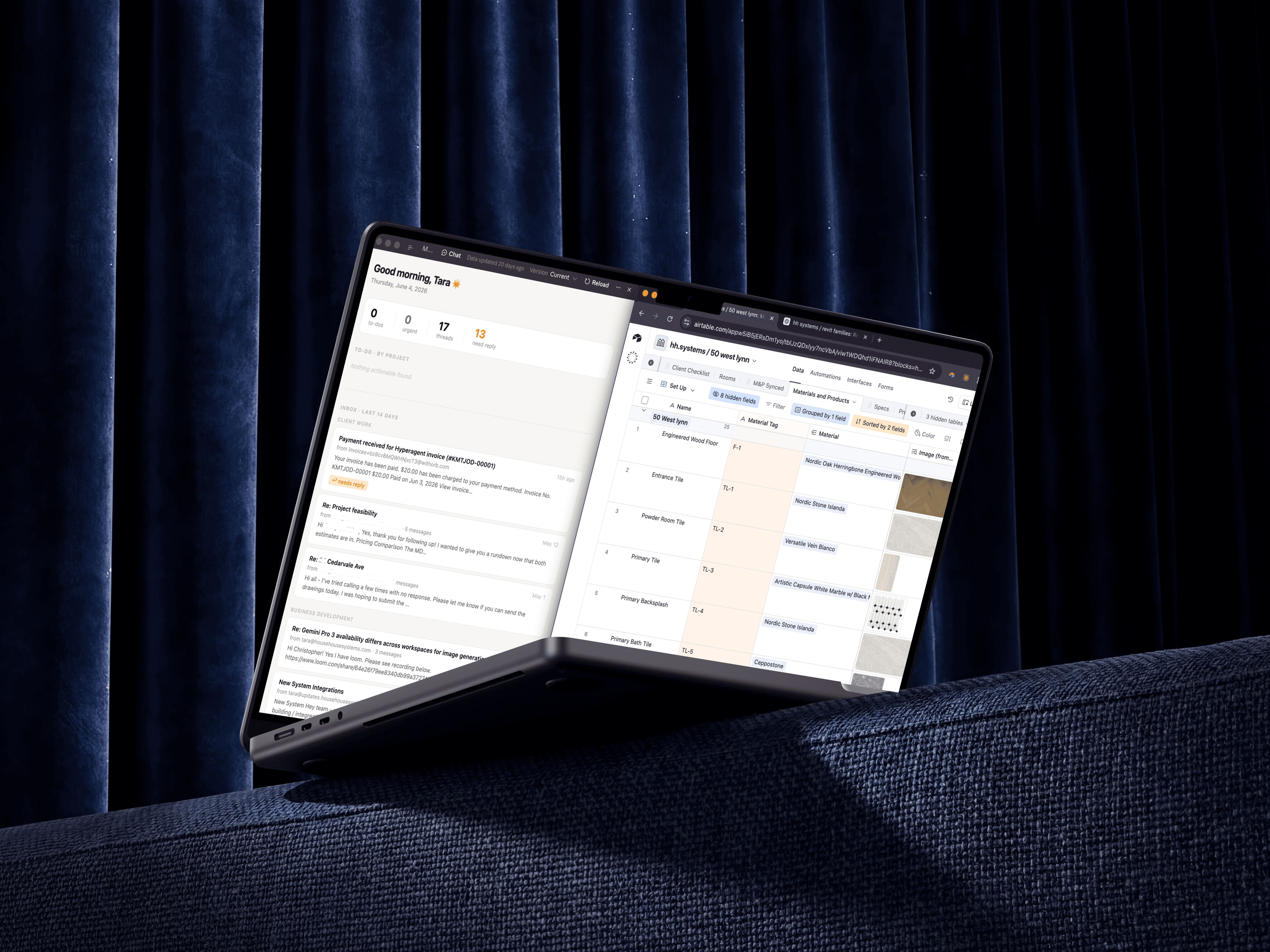
Each element links to its real-world context: who approved the finish, which spec sheet it came from, lead time, cost, supplier
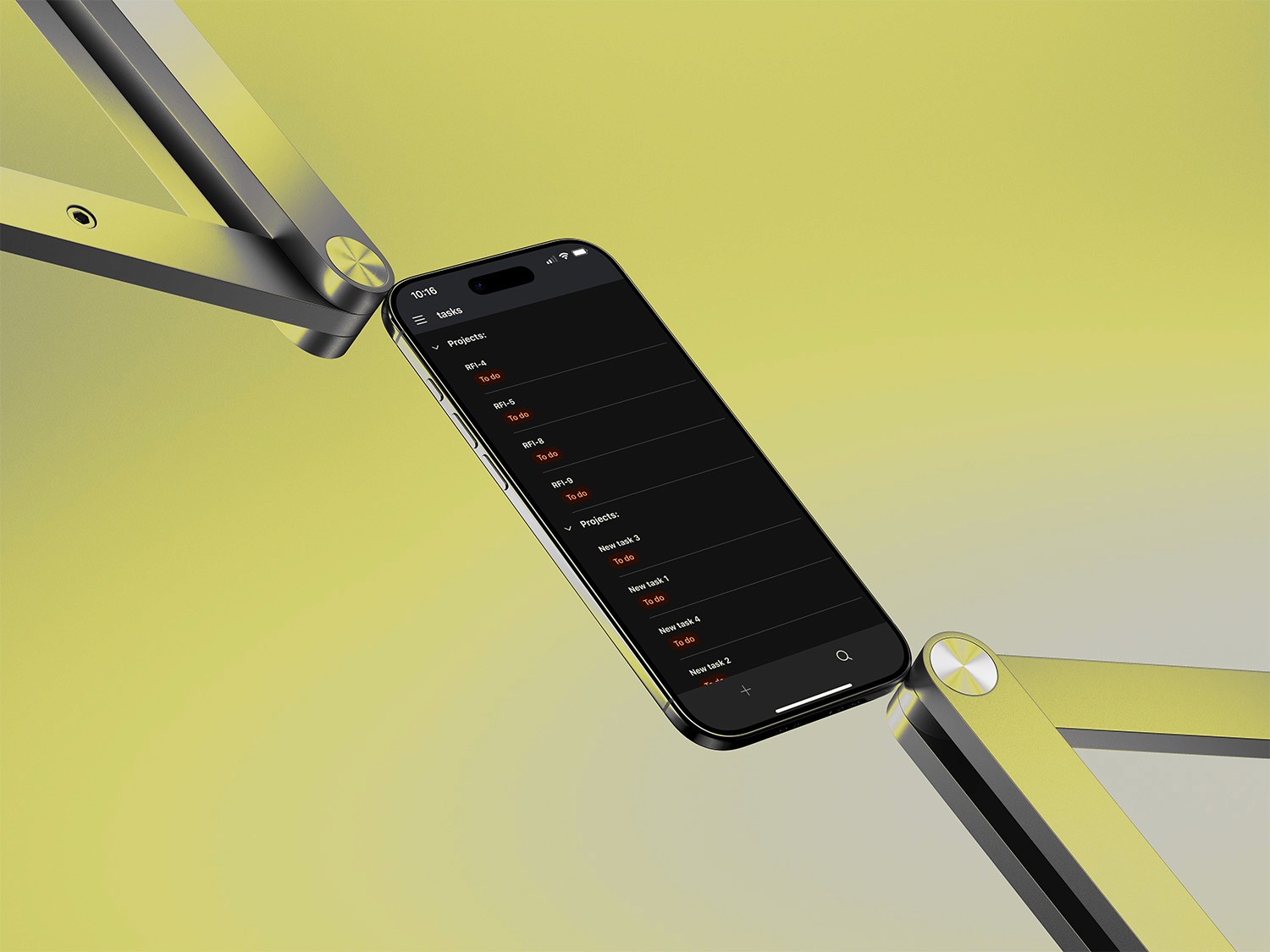
Status tracking lives next to the geometry — "specified," "submitted," "approved," "ordered" — visible to your whole team, not buried in the model.
The model stays the source of truth for geometry. Your database becomes the source of truth for everything around it — coordination, approvals, procurement, status. Two systems, each doing what it's best at, finally synced.
Revit holds the model. Your new system makes it manageable.
category
value
01
02
03