Internal Dashboard
Every project, one screen, always current.
00

problem
We've all dealt with project status' that live in five places. Spreadsheets, a timesheet, an inbox, a wall calendar, and the principal's head. Nobody can answer simple questions about where the project is at without a meeting. Fee problems surface at invoicing time, when it's too late to do anything about them.
solution
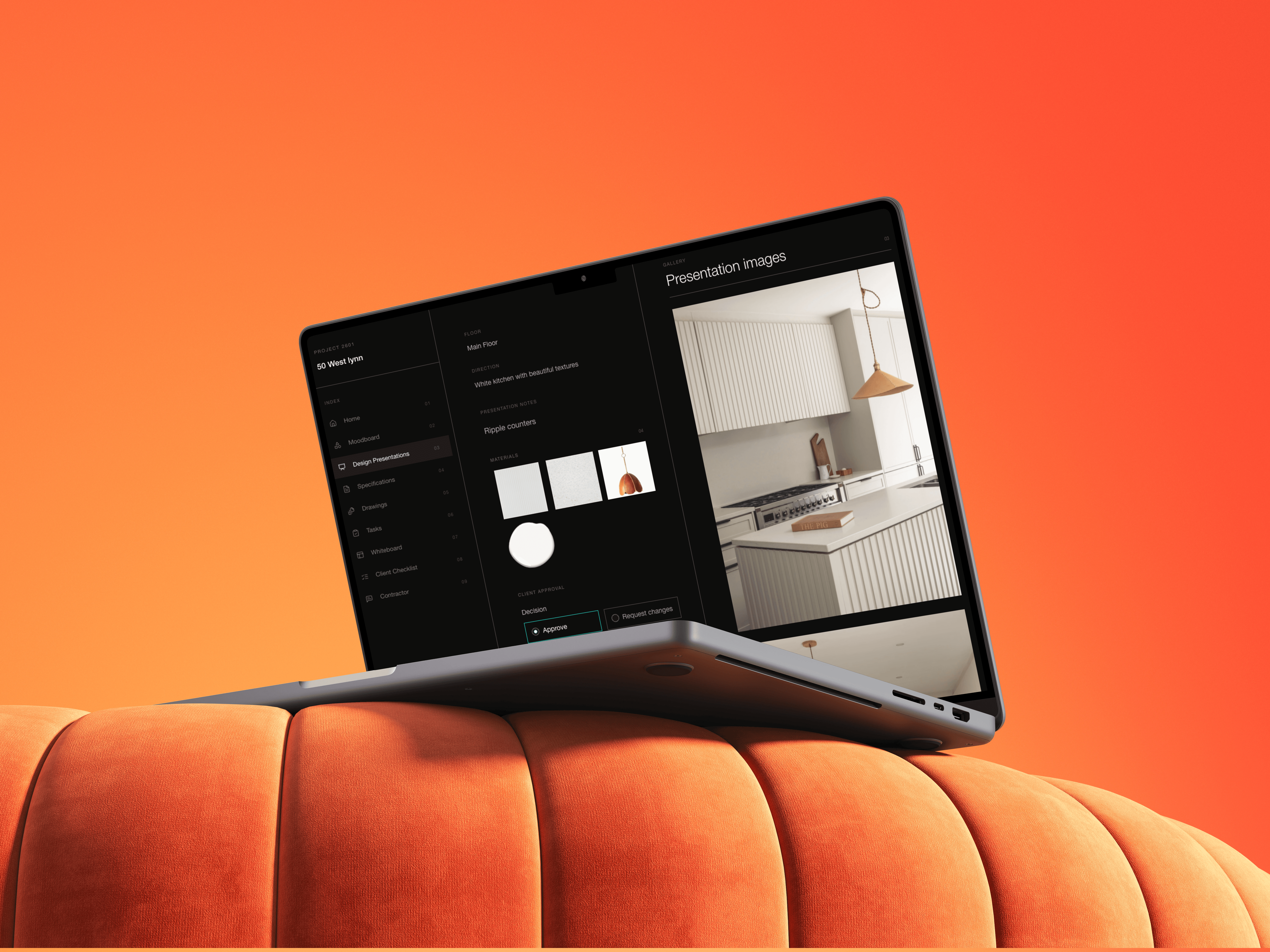
One live screen per project. Tasks, timelines, fee burn, open RFIs, and pending client decisions, all pulled live from the firm's database. The dashboard shifts with the project automatically without extra work.
In short, we build live internal dashboards for architecture and design studios.
Your database becomes the backend to a single, always-current screen for every project so principals can answer "where is this project right now?" in thirty seconds, and your team stops chasing status' through meetings, spreadsheets, and inboxes. This is the command centre for your firm.
What you get
A live dashboard that gives your team:
Project header at a glance. Number, client, address, phase
Tasks overview and project timeline
Fee burn and budget visibility per phase
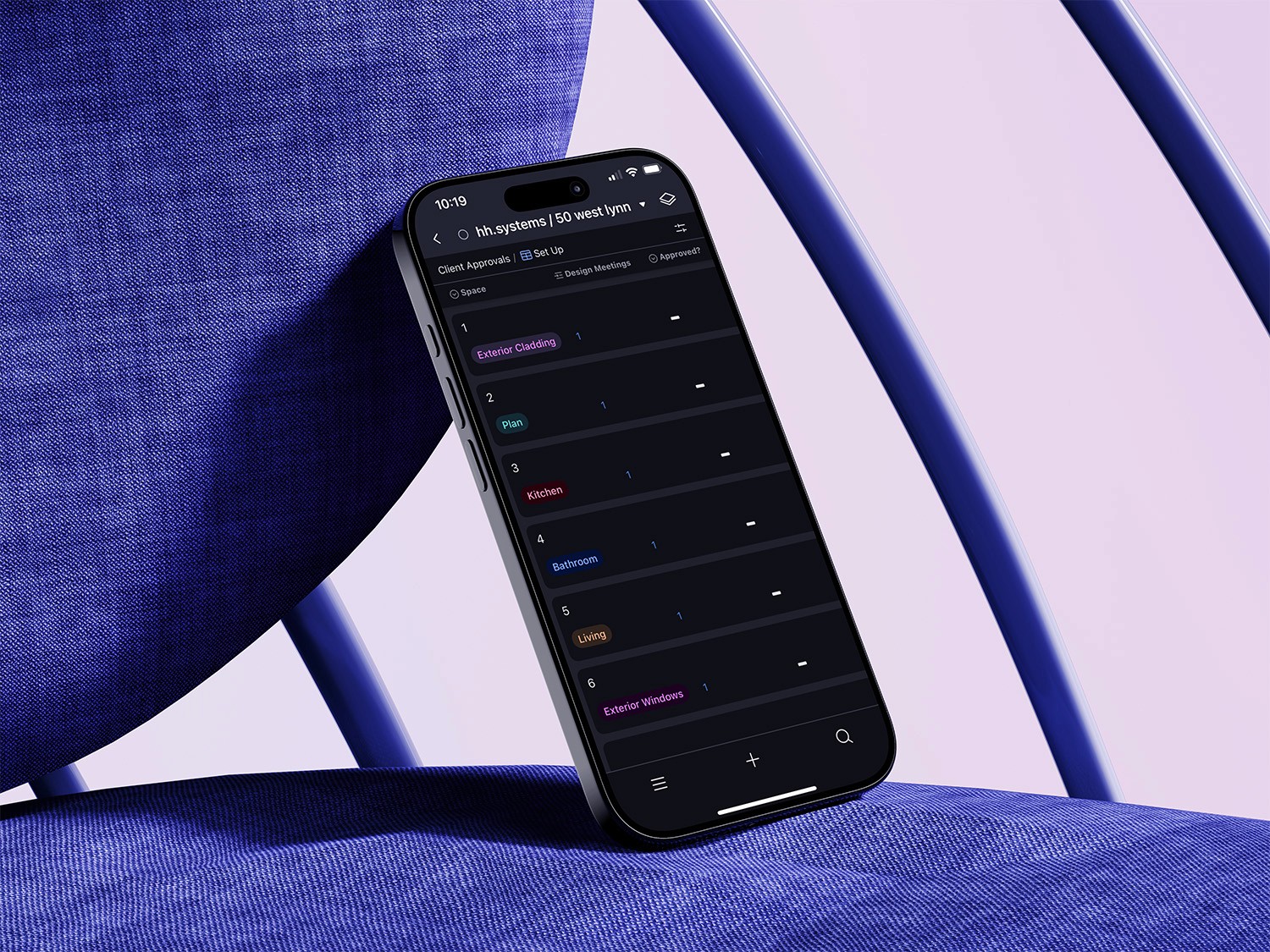
Open RFIs, site items, and pending client decisions
Phase-aware layout - CA moves to the front once you're on site

Everything is pulled live from your studio's internal operating system (which we build as well), so nothing is entered twice and nothing is ever stale.
Why it matters? This replaces the old ways of knowing where things stand:
Monday status meetings that exist just to gather information
Spreadsheets that were accurate two weeks ago
"Quick question" Slack messages and hallway check-ins
Fee problems discovered at invoicing time when it's too late
Instead, your studio gets:
One source of truth for every project
Thirty-second answers instead of thirty-minute meetings
Early warnings on fees, tasks, and open items
A team aligned without anyone writing a status report
Principals who can actually see the whole practice
Your team spends its time running projects instead of reporting on them.
category
value
01
02

03